



The Toy Haven Kids Retro Game Stick Wireless Video Games For Tv Gaming 64GB Old School Station Video Game HD Games Console Built In 21K Game Console Ultimate 90S Retro Game Box HDMI Output,White
Original price was: ₹3,999.₹1,799Current price is: ₹1,799.
Price: ₹3,999 - ₹1,799.00
(as of Oct 02, 2025 09:12:48 UTC – Details)
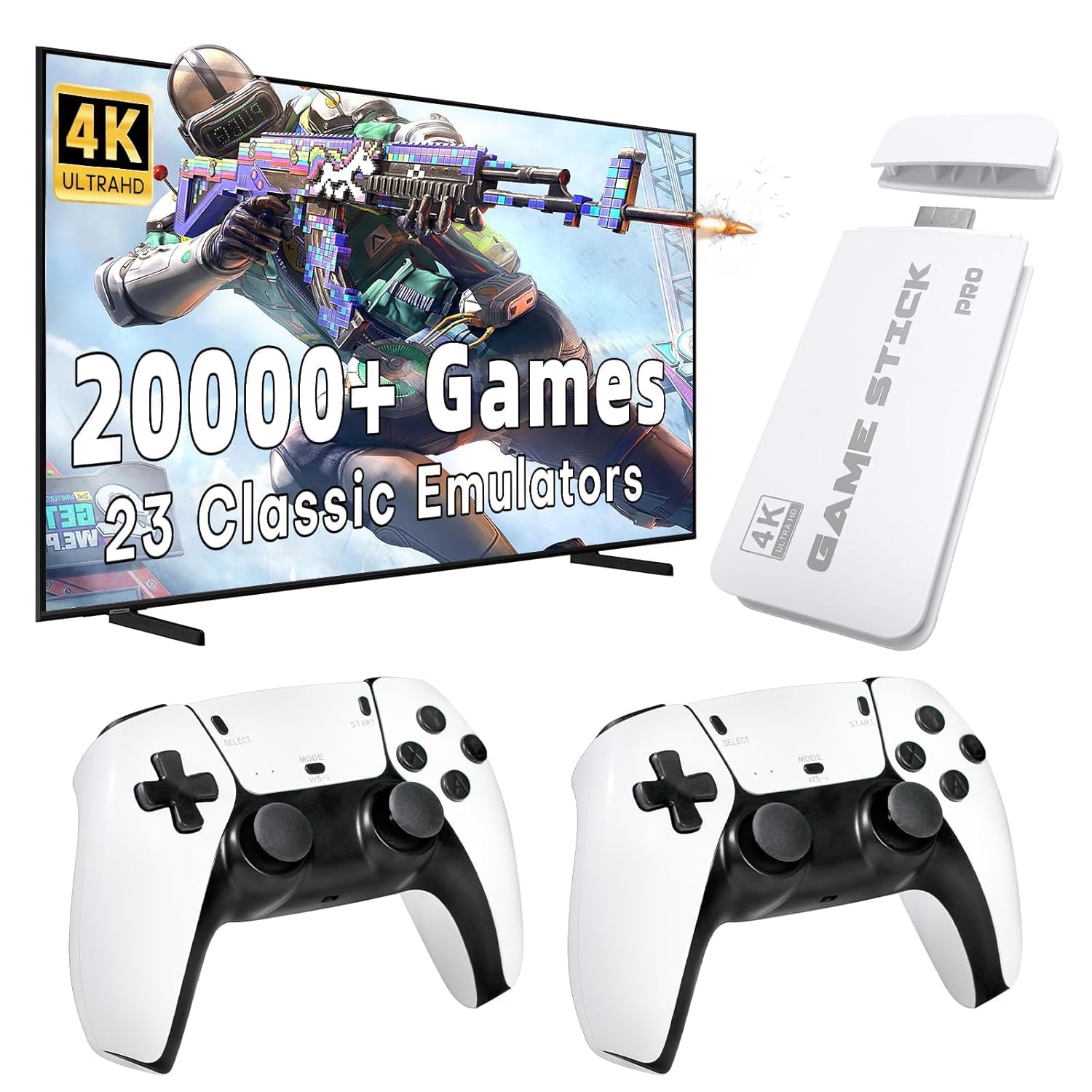
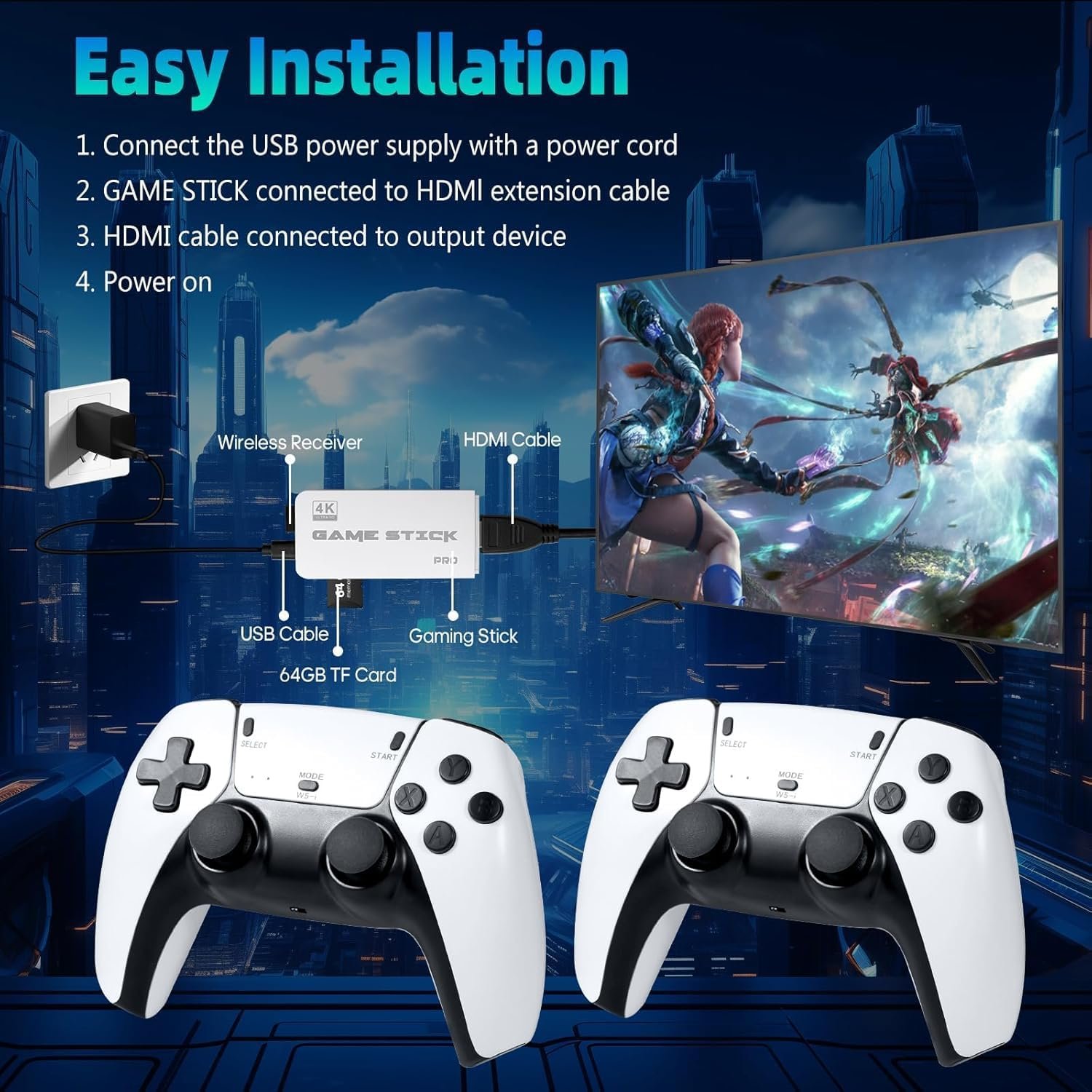
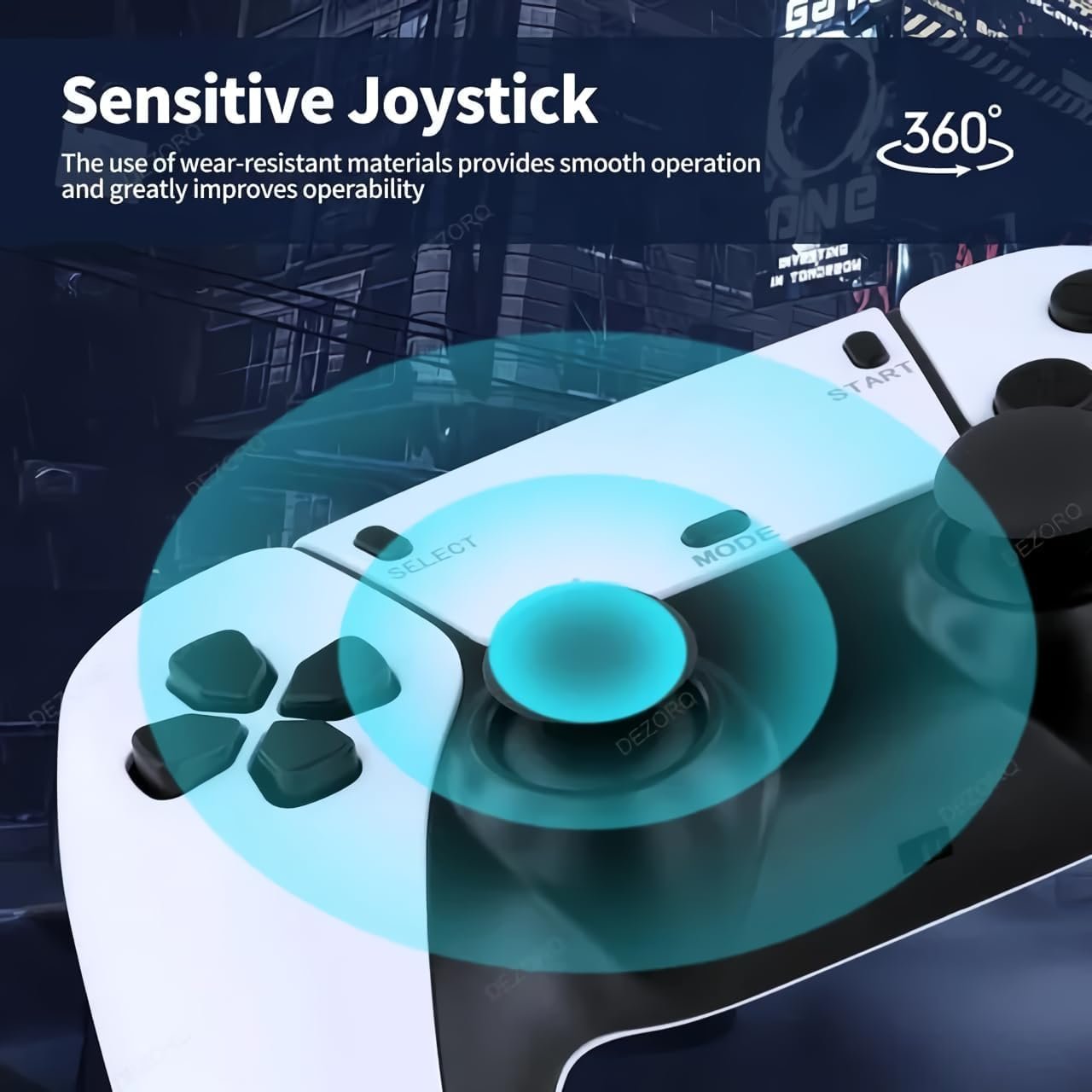
Viart Creation Experience the nostalgia of retro gaming with this all-in-one game console, preloaded with over 20,000 classic games. The console comes with two wireless controllers, offering a convenient and comfortable gaming experience without the tangle of cords. Simply connect the console to your TV using the included HDMI cable and dive into your favorite games with stunning video and audio quality. The plug-and-play design ensures a hassle-free setup, allowing you to start playing right away. Its compact and portable design makes it easy to bring the fun wherever you go. The package includes everything you need: two wireless controllers, a micro USB power cable, an HDMI cable, and a user-friendly interface. Rediscover your favorite classics and explore new ones with this versatile retro game console How to Assemble and Play Step-by-Step Instructions: 1. Unpack the Components: – Ensure you have all the components: the console, 2 wireless controllers, micro USB cable, HDMI cable, and the USB receiver. 2. Insert Batteries into the Controllers: – Open the battery compartment on the back of each wireless controller. – Insert 2 AAA batteries into each controller, ensuring correct polarity. – Close the battery compartment securely. 3. Connect the Console to the TV: – Insert the console into an available HDMI port on your TV. – Connect the micro USB cable to the console and plug it into a power source. 4. Connect the Wireless Controllers: – Insert the USB receiver into one of the USB ports on the console. – Turn on the wireless controllers by sliding the on/off switch to the “on” position. They should automatically sync with the console. 5. Power On the Console: – Turn on your TV and switch to the corresponding HDMI input where the console is connected. – Power on the console by using the on/off switch if it has one. 6. Navigate the Menu: – Use the wireless controllers to navigate through the main menu. – Browse through the 20,000+ games available and select your desired game. 7. Start Playing: – Once you have selected a game, follow the on-screen prompts to start playing. – Enjoy hours of retro gaming fun! Tips for Best Experience: – Ensure your controllers have fresh AAA batteries for uninterrupted gameplay. – If the controllers do not sync automatically, refer to the user manual for syncing instructions. – For optimal video quality, make sure your TV is set to the correct resolution that matches the console’s output. – Store the console and controllers in a safe place when not in use to avoid damage. By following these steps, you can easily assemble and start playing with your retro game console, reliving classic games from the past with modern convenience.
Viart Creation【Built-In Over 20,000 Classic Games】Experience the nostalgia of your favorite retro games with the Retro Game Stick. With over 20,000 games built-in and 20+ pre-installed emulators, along with a 64GB TF card, you can enjoy a vast collection of classic games without the need to download or install anything. Simply connect it to your TV and immerse yourself in endless gaming fun.
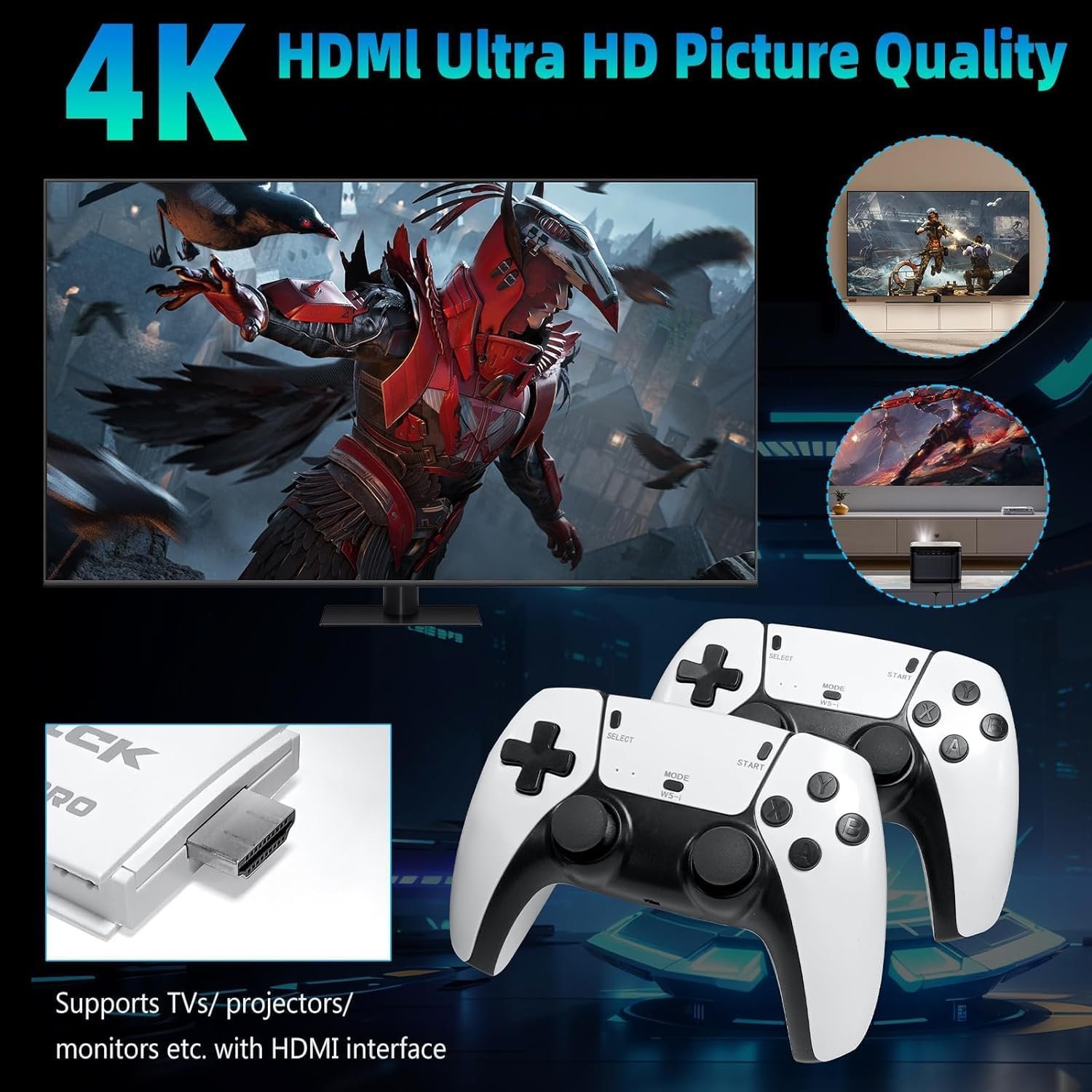
Viart Creation【4K HDMI Output】The retro game&tag=proffercoupon-21″ rel=”nofollow sponsored” class=”amazon-affiliate-link” target=”_blank”>game&tag=proffercoupon-21" rel="nofollow sponsored" class="amazon-affiliate-link" target="_blank">video game console supports 4K high-definition HDMI output, giving you ultra-clear picture quality and allowing you to capture every detail of your favorite games. With compatibility for a variety of devices such as TVs, computers, monitors, and projectors, just ensure your screen has an HDMI input port and connect for a realistic and comfortable gaming experience.
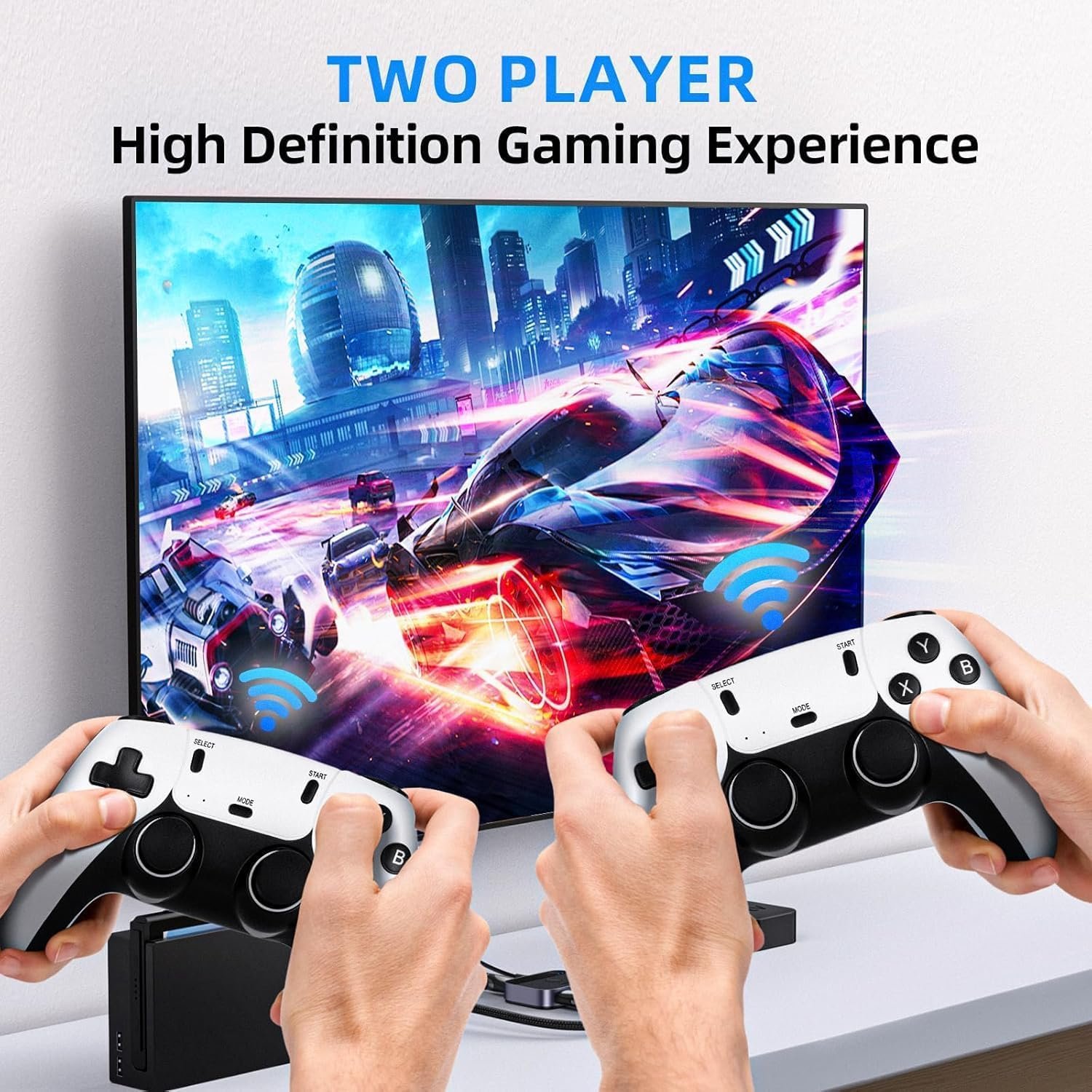
Viart Creation【Support 2 Players 】Our nostalgia stick comes with two 2.4GHz wireless controllers that provide stable and almost delay-free connections. Play games simultaneously and enjoy a cable-free gaming experience with a maximum connection distance of 32.8 feet. The controllers require 4 AAA batteries (Not included in package).
Viart Creation【Easy Operation】The retro gaming console offers easy operation with features such as saving game progress and a built-in favorites/search/history function. Simply connect the game stick to the power supply, plug it into your TV or monitor, and switch to the HD channel. No complicated setup or installation is required, making it convenient and suitable for gamers of all ages.
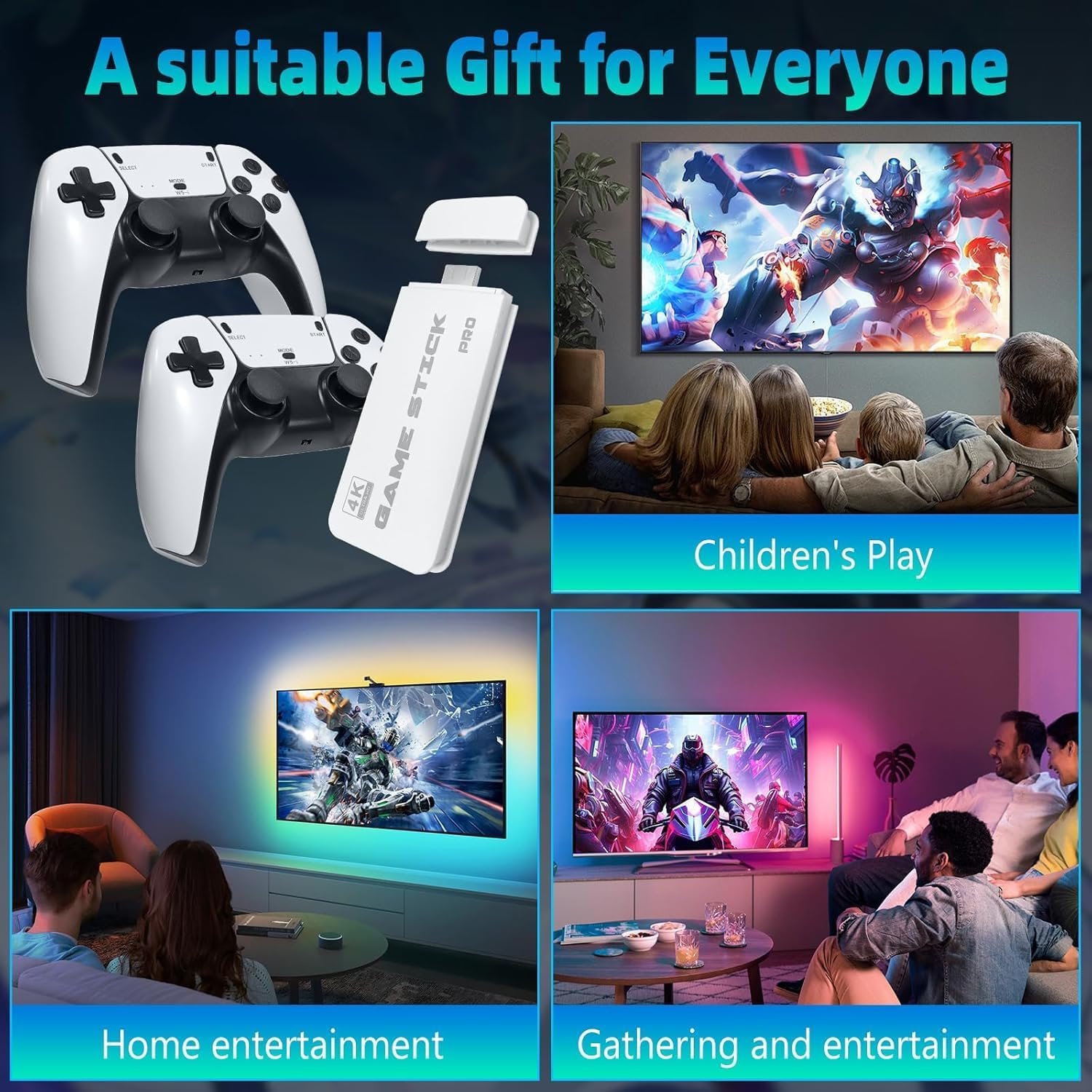
Viart Creation【Ideal Gift for All Ages】The nostalgia stick game console provides hours of fun for kids and evokes fond memories of childhood for adults. It’s a perfect gift for any occasion, bringing joy to children and releasing life pressure for adults. Lightweight and convenient for travel and home use, it’s an ideal gift for birthdays or any occasion to enjoy happy game time with family and friends.
User Reviews
Be the first to review “The Toy Haven Kids Retro Game Stick Wireless Video Games For Tv Gaming 64GB Old School Station Video Game HD Games Console Built In 21K Game Console Ultimate 90S Retro Game Box HDMI Output,White”
Related Products

Girl who Chose, The: A New Way Of Narrat: A New Way of Narrating the Ramayana
- Camera: -
- Flight time (m): -

GEOCARTER Wall Mobile Holder | Multi-Purpose Mobile Stand for Wall | Remote Holder & Mobile Charging Stand, Wall Phone Holder for Charging | Kitchen Organizer Rack Wall Mounted | Useful Gadget-White
- Camera: -
- Flight time (m): -

Electric Wireless Rechargeable Edge Cutter 24V – 25cm Cutting Width | 2-in-1 Mower & Trimmer | Adjustable Height | 3 Blade Types | Lightweight & Portable | Lawns & Gardens (3) (A1) (A2) (A1)
- Camera: -
- Flight time (m): -

There are no reviews yet.